
Why AI thumbnail makers matter for digital marketing in 2026
In today’s fast-paced digital world, getting people to notice your content is harder than ever. Think about all the videos, articles, and social media posts you see every day. What makes you click on one thing instead of another? Often, it’s the thumbnail image. A good thumbnail grabs attention and tells viewers what to expect. But creating these eye-catching images can be a real headache for digital marketers and content creators.
Making great thumbnails takes time, artistic skill, and a good understanding of what works.

Most marketing teams are busy, and they might not have a dedicated design expert for every single piece of content. This means it can be slow and expensive to make lots of high-quality thumbnails for everything from YouTube videos to blog posts. Plus, you need many different versions to test which ones work best. This challenge of creating attention-grabbing images at scale is a big problem in 2026.
Here’s where smart tools come in. An ai thumbnail maker can change the game. These tools use artificial intelligence to help you create stunning thumbnails much faster. They can even suggest different designs and styles, making it easier to try out many options. This helps you figure out which images get the most clicks and views without needing a large design team. It’s no wonder that almost half of marketers around the world use AI daily for creating images and videos, according to recent data from eMarketer in 2026 Nearly half of marketers now rely on AI for images, videos – eMarketer.
The great thing about an AI thumbnail maker is that it promises faster work, many options for A/B testing, and design ideas based on real data. This means your marketing collateral can be more effective. Instead of guessing what people like, you can use an image ai editor to make smarter choices for your content strategy.
This guide is here to help you understand how these tools work. We will give you simple steps to pick the right AI thumbnail maker for your needs, show you how to fit it into your daily tasks, and help you avoid common mistakes. By the end, you’ll know how to make your digital content shine and get the attention it deserves.
For more deep insights into how AI is shaping the world of technology and marketing every day, make sure you don’t miss a beat. Stay on top of the latest advancements, tools, and trends.
The AI Newsletter Worth Reading
How AI thumbnail makers work: models, inputs, and outputs
So, how exactly does an ai thumbnail maker do its magic? It’s like having a super smart artist who understands what makes a picture pop. These tools use powerful AI models that can do a few different things to create those eye-catching images.
The Brains Behind the Thumbnails: AI Models
Think of AI models as the brains of these tools. They are trained on tons of images and words to learn what looks good and what people click on. There are a few main types of models working together:
- Generation Models: These are the core. They can create completely new images from just a few words you type. Many modern AI image tools, including the best ones in 2026, use something called Diffusion Transformers (DiT). Models like Stable Diffusion 3.5 and Flux 2 Pro are good examples of these, known for making realistic pictures and handling text well Flux 2 Pro vs. Stable Diffusion 3.5: Which Produces Better …. This is super important for thumbnails where text often needs to be clear and readable. Actually, these newer models are much better at text than older ones 15 Best Stable Diffusion Models in 2026: The Ultimate Guide.
- Editing Models: Sometimes you already have an image but want to change it a bit. An image ai editor can add elements, remove things, or change colors to make your thumbnail just right.
- Layout Suggestion Models: These models are like having a design assistant. They can suggest where to place text, logos, and images so everything looks balanced and clear. This helps your marketing collateral always look professional.
In 2026, almost 90% of creators use generative AI in some way, which shows how much these tools are changing how we make visuals Creator Economy AI Adoption Statistics (2026).
What You Put In and What You Get Out
To make a great thumbnail, you need to give the AI tool some clues.
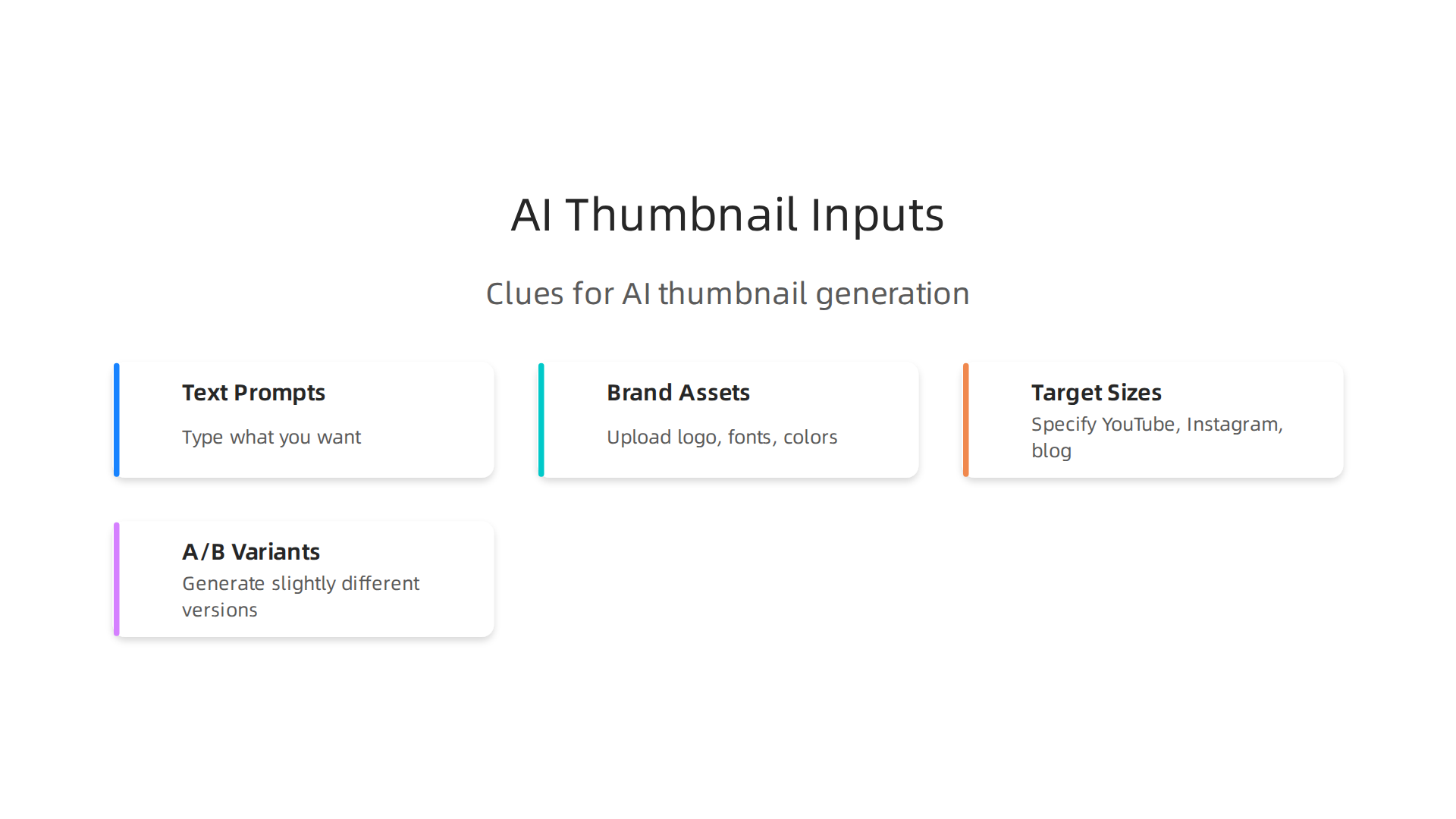
Common Inputs:
- Text Prompts: This is usually where you start. You type in what you want, like "bright yellow car racing on a track with bold text ‘Fast & Furious’" or "happy person using a laptop, green background, ‘Work Smarter’ text." The more details you give, the better the result.
- Brand Assets: You can upload your company’s logo, special fonts, or brand colors. This helps the AI make thumbnails that match your brand’s look and feel, keeping your content strategy consistent.
- Target Sizes: You tell the tool if you need a YouTube thumbnail, an Instagram post image, or a blog header. The AI will make sure the image fits perfectly.
- A/B Testing Variants: This is a neat trick! You can ask the AI to make a few slightly different versions of the same thumbnail. Maybe one with red text, another with blue, or different pictures. Then you can test which one gets more clicks from your audience.
Expected Outputs:
- Ready-to-Use Images: The main output is usually a selection of thumbnail images in the sizes and formats you asked for.
- Multiple Variations: Instead of just one image, you’ll often get several options to pick from, making it easier to find the perfect fit.
- Editable Designs: Some tools let you tweak the generated image, moving elements around or changing text directly within the program.
What Makes a Good AI-Generated Thumbnail?
Not all AI-generated thumbnails are equal. When you use an ai thumbnail maker, here’s what to look for:
- Fidelity: This means how real or high-quality the image looks. Is it sharp and clear, or blurry and strange? Good tools create images that look polished and professional.
- Composition: Is everything in the image well-placed? Does it draw your eye to the important parts? A good composition means the elements work together nicely.
- Text Rendering: This is super important for thumbnails! Can you actually read the words? Are they spelled correctly? Are the fonts clear? Newer AI models like Flux 2 Pro and Stable Diffusion 3.5 are much better at this, often getting text spelling right almost all the time Flux 2 Pro vs. Stable Diffusion 3.5: Which Produces Better ….
- Format and Export Options: Can you save the image in the right file type (like JPG or PNG)? Can you easily download it in different sizes for different platforms?
By understanding these basic parts of how an AI thumbnail maker works, you’ll be better equipped to choose and use the right tools to make your digital content shine.
When looking for the perfect ai thumbnail maker, it’s important to know what features really matter. A good tool does more than just make pretty pictures. It helps your whole process from start to finish. Here’s what you should check for when picking the best AI thumbnail generator for your needs. If you’re wondering how to choose the best image AI generator for your team, paying attention to these points will help.
Core Capabilities: The Building Blocks of Great Thumbnails
The basic things an ai thumbnail maker can do are super important.
- Single-Image Generation: This is the most basic task. You type in what you want, and the AI creates one image. It should be fast and give you high-quality results.
- Batch Variant Generation: Imagine needing five slightly different thumbnails for A/B testing. A good AI tool can make many versions at once, saving you tons of time. This includes making variations with different colors, text, or layouts so you can easily test what your audience likes best Best AI Thumbnail Generator for Beginners 2026.
- Template Editing: If you’re not a design expert, pre-made templates are a lifesaver. Look for tools that offer many easy-to-change templates. Some tools offer thousands of ready-to-use thumbnail templates that you can just adjust Best AI Thumbnail Maker in 2026.
- Text Overlay Accuracy: This is a big one. Thumbnails often need clear text to tell people what your content is about. Make sure the AI can spell words correctly and make the text look good. Newer models, like Qwen-Image, are known for making text inside images very readable Best Local AI Image Models 2026.
Workflow Features: Making Your Work Easier
Beyond just making images, an ai thumbnail maker should fit smoothly into how you work.
- API Access: For bigger companies or advanced users, API access means the AI tool can talk to other software you use. This can make tasks automatic, like uploading new thumbnails right to your website.
- Integrations (CMS, Ad Platforms): Does the tool work with other platforms you use, like your website’s content manager or social media scheduling tools? Some tools can even generate thumbnails, write captions, and schedule posts all in one go 15 Best AI Thumbnail Makers. This helps streamline your entire marketing collateral creation process.
- Collaboration and Versioning: If you work with a team, you’ll want features that let everyone work on thumbnails together and see past changes. This ensures everyone is on the same page and keeps your content strategy consistent.
Governance and Safety: Protecting Your Brand
It’s not just about speed and good looks. You also need to protect your brand and make sure everything is proper.
- Brand Controls: Can you set up your brand’s specific colors, fonts, and logos? Some tools let you create a "brand kit" to lock in your unique style, ensuring all your thumbnails match your company’s look. There are even systems that let you upload your own photos to reuse your face consistently across all thumbnails, which is a big deal for creators 8 Best AI Thumbnail Makers in 2026. This is key to a strong drive growth implement AI for brand strategy.
- Content Filters: AI tools can sometimes make unexpected images. Good tools have filters to prevent the creation of inappropriate or off-brand content.
- Licensing and Rights Management: Who owns the images the AI creates? Make sure you understand the rules for using the images for your business.
By carefully evaluating these features, you can choose an AI thumbnail maker that not only saves you time but also boosts the quality and impact of your visual content in 2026.
Get clear daily AI updates from The AI Newsletter Worth Reading.
When you pick an AI tool, it’s not enough to just hope it works well. You need to check it carefully. In 2026, nearly half of all marketers now use AI every day to make images and videos for their work Nearly half of marketers now rely on AI for images, videos. With so many relying on these tools, knowing how to test them is super important. This helps you make sure your chosen AI thumbnail maker really does what you need, making your marketing collateral stand out.
Evaluating Quality: A Simple Testing Matrix
To truly know if an AI thumbnail maker is good, you should have a simple way to test it. Think of it like a checklist you use every time. This helps you compare different tools or see how one tool improves over time. Here’s a basic way to check for quality, speed, and whether it matches your brand:
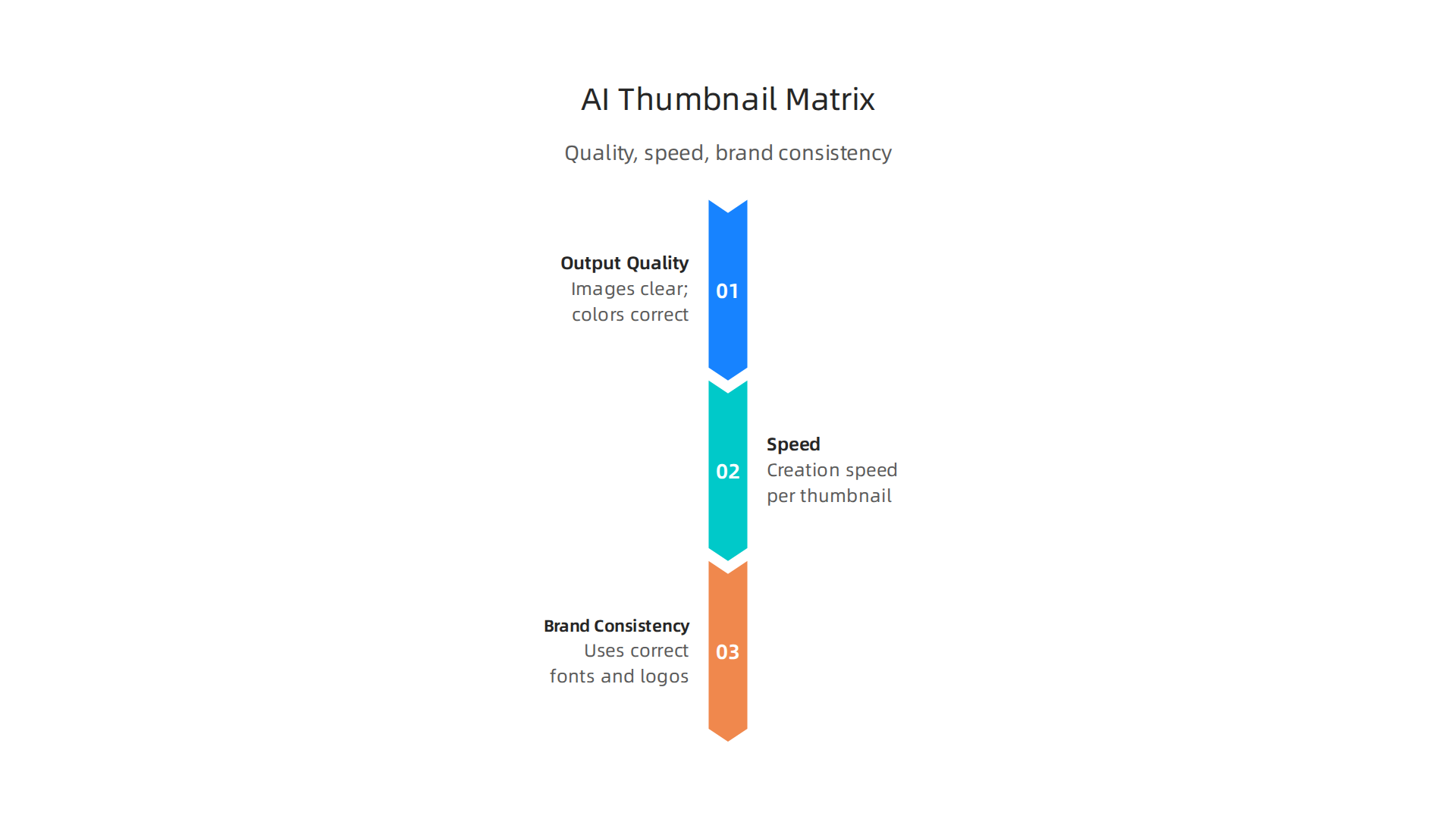
| Test Area | What to Look For | How to Check It |
|---|---|---|
| Output Quality | Are images clear? Do colors look right? Is text easy to read? Does it look good? | Generate 10-20 thumbnails. Have a few people rate them on a scale of 1-5. |
| Speed | How fast does it create one thumbnail? How fast for a batch of many? | Time how long it takes to make 1 image. Time how long for 5-10 images. |
| Brand Consistency | Does it use your correct fonts, colors, and logos? | Create thumbnails using your brand guidelines. Check for any mistakes. |
Using a simple matrix like this helps you make smart choices about your content strategy and which AI tools to trust. If you want to learn more about picking the right tools, check out How to Choose AI Tools 2026 for Maximum Business Impact.
Setting Up A/B Tests for Better Results
Once you have good-looking thumbnails, how do you know which ones work best? This is where A/B testing comes in. It’s like a friendly competition between two thumbnails.
Here’s how it works:
- You create two slightly different thumbnails for the same video or content. An effective ai thumbnail maker often helps you create these variations quickly.
- You show Thumbnail A to half of your audience and Thumbnail B to the other half.
- You watch to see which one gets more clicks. This is called the Click-Through Rate (CTR).
- The one with the higher CTR is the winner. This tells you what your audience likes best.
Many tools help you compare different thumbnails to see their response rates 10 Best AI Thumbnail Makers for YouTube in 2026 – Superside. By looking at numbers like CTR and how much people engage with your content, you can make better decisions. You can even design a way to keep track of these numbers, perhaps with a Design a High Impact Google Analytics Dashboard for Smarter Decisions.
When Humans Still Need to Step In
Even with the best AI thumbnail maker, human eyes are still important. AI is smart, but it can sometimes miss small details or not quite understand a creative idea. That’s why human review is a must.
Here’s why:
- Catching Mistakes: A person can spot if the AI made a weird image or spelled a word wrong, even if the AI thought it was perfect.
- Creative Touch: Humans can add that special touch that makes a thumbnail truly engaging and reflective of your brand’s unique voice. Many creative professionals still rely on AI to meet demands, showing how important human input remains AI helps creative pros meet growing demand.
- Giving Feedback: When you review the thumbnails, you can tell the AI tool what worked and what didn’t. This is called a "feedback loop." It helps the AI learn and get better over time. You can change your instructions (prompts) to the AI based on what you learn.
By mixing smart AI tools with careful human review and testing, you ensure your visual content is always top-notch and truly connects with your audience in 2026.
Even with the best AI tools, getting your visuals just right takes smart choices and human care. Now that you know how to test an AI thumbnail maker, let’s look at how to fit it into all your other marketing tools. This is key to making your visual content creation smooth and easy in 2026.
Integrating AI thumbnail makers into your marketing tech stack
Bringing an AI thumbnail maker into your existing marketing tools means thinking about how they will work together.

You want them to talk to each other, not just sit by themselves. There are a few main ways to make this happen, whether you’re working with a photo ai generator or a full image ai editor.
Common Ways to Connect AI Tools
- API-first: Imagine your AI thumbnail maker has a special door that other computer programs can use to send it requests and get back finished thumbnails. This "door" is called an API. It lets your tools work together automatically. For example, a content management system could ask the AI to make a thumbnail as soon as you upload a video. Many services are designed to generate thumbnails through such direct connections Design a Thumbnail Generation Service – System Design.
- Plugin Connectors: Sometimes, an AI tool will have a "plugin" that works inside other software you already use, like a design program or a social media scheduler. This is like adding a new button or feature right into your familiar workspace.
- Manual Export Workflows: This is the simplest way. You make your thumbnail with the AI tool, then you save it to your computer. After that, you manually upload it to your website, social media, or ad platform. It’s less automatic but still effective, especially for smaller teams or one-off projects.
Your Checklist for Smooth Operations
When an AI thumbnail maker becomes part of your everyday work, you’ll want a simple plan. This helps make sure everything runs smoothly:
- Asset Pipelines: Think about how your images move from being created by the AI to appearing online. Where do they get stored? How are they approved? A good "pipeline" makes sure your marketing collateral is ready to go when you need it. Storing images in the cloud, for instance, helps manage them better Designing a Scalable and Customer-Centric Image Thumbnail Solution Using Cloud File Storage.
- Localization: If your business reaches people in different countries, you might need thumbnails for different languages or cultures. Your system should be able to quickly create different versions or resize images to fit various needs Thumbnail scaling | Adobe Experience Manager.
- Accessibility: Make sure your thumbnails are clear and easy for everyone to understand. This means using good contrast and having text that’s easy to read.
- Caching for Ad Platforms: When you use thumbnails in ads, you want them to load super fast. "Caching" means storing a copy of the image closer to where people are viewing it, so it appears almost instantly. This helps improve how your ads perform, as images should be served quickly and at defined resolutions Thumbnail Service Low-Level Design: On-Demand Generation, URL.
How Automation Can Help Your Marketing
Using an AI thumbnail maker isn’t just about making one image at a time. It’s about using smart automation to do more:
- Generating Campaign Variants: For a single ad campaign, you can have the AI create many slightly different thumbnails. Then, you can easily test which one gets the most clicks. This is a big step for your content strategy.
- Localization at Scale: Imagine needing thumbnails for 20 different languages. Instead of creating each one by hand, an AI can quickly make all the needed versions, adjusting text and sometimes even images for each region.
- Tagging for Analytics: The AI can automatically add special tags or labels to each thumbnail it creates. This helps you track which types of images work best over time in your analytics reports.
By setting up these connections and steps, your ai thumbnail maker can become a powerful part of your marketing team, making it easier to create amazing visuals. If you’re keen to explore more about AI image generation, discover generate AI images free in 2026 and learn about the best tools available.
Keeping up with all the new AI tools and features can feel like a lot. To help you stay ahead without getting bogged down, there’s a valuable resource.
Get clear daily AI updates from The AI Newsletter Worth Reading.
Using an AI thumbnail maker can really speed up your work and make your visuals shine. But it’s not just about making things fast. You also need to think about how to use these tools wisely. This means making sure your brand looks right, following the law, and building trust with your audience in 2026.
Best practices, brand safety, and legal considerations
When you use smart AI tools for visuals, like an ai thumbnail maker, you need a plan. This helps you keep your business safe and sound.
Keeping Your Brand Strong
Your brand is how people recognize you. It’s your look, your colors, and your message. When an ai thumbnail maker creates images, you must make sure it matches your brand rules.
- Visual Style: Does the AI tool create thumbnails that look like they belong to your brand? This includes the overall feel, colors, and even the type of pictures it uses.
- Fonts and Logos: Your brand often has special fonts and a clear logo. You need to tell the AI tool to use these exactly right. You don’t want a thumbnail to have the wrong font or a logo that looks off.
- Quality Control: Even with an advanced image ai editor, always have a person check the final thumbnail. This step makes sure everything looks perfect and follows your brand’s rules. This human touch is very important for all your marketing collateral.
Understanding Legal and Copyright Rules
The law around AI-created content is still pretty new in 2026, but there are some important things to know.
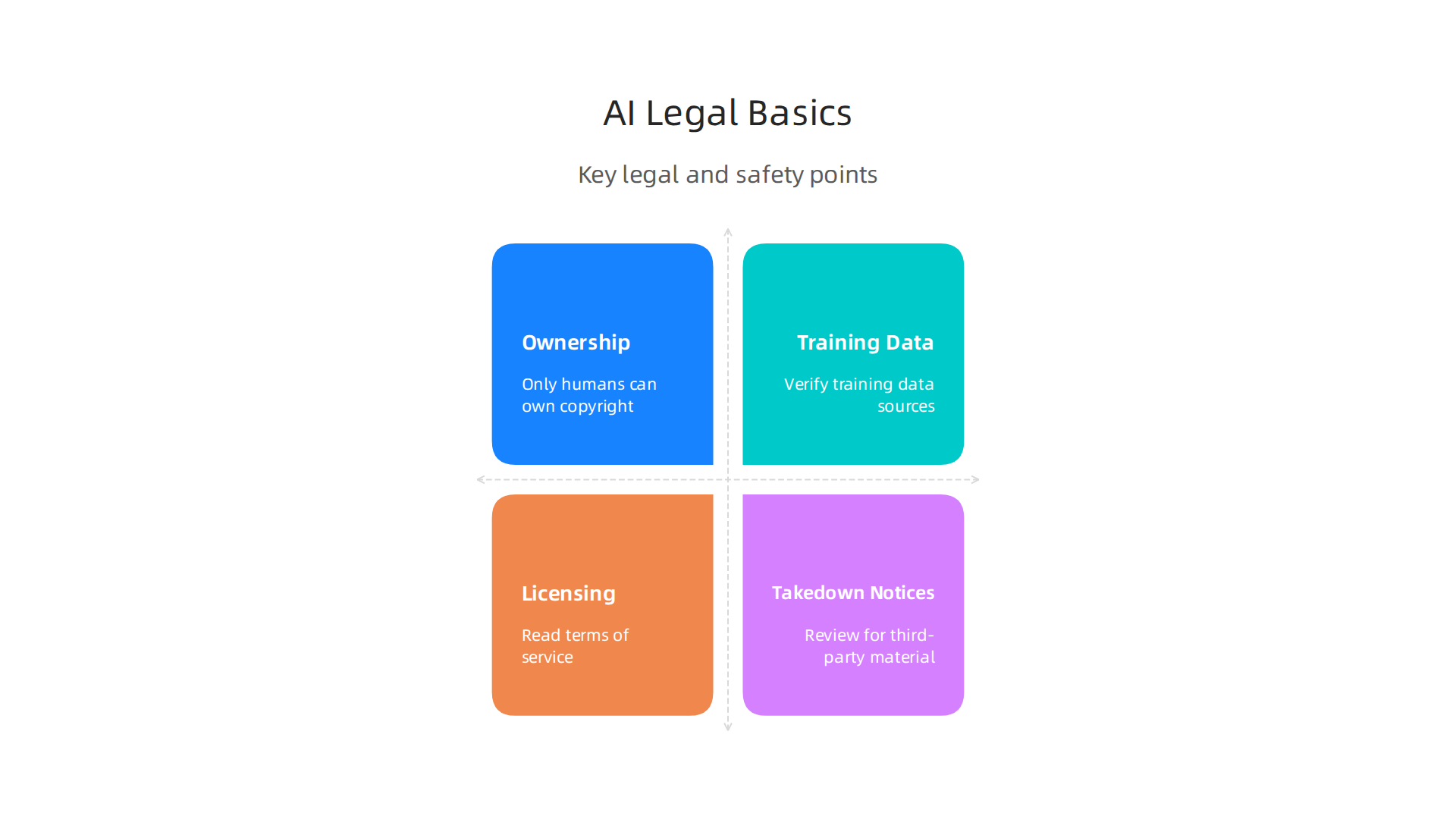
- Who Owns the AI Art? This is a big question. In the U.S., the law generally says that only humans can own a copyright. If an AI creates something without enough human creative help, it might not be protected by copyright and could be in the public domain YOUR AI IS ON DISPLAY. The U.S. Copyright Office has given guidance that works need "human authorship" to get copyright protection Copyright Registration Guidance: Works Containing Material.
- Where Did the AI Learn From? Most AI tools learn by looking at huge amounts of images. These images might be copyrighted by other people. You should try to use AI tools that are clear about how they got their training data and if they have proper licenses for it.
- Licensing the Output: When you create a thumbnail with AI, read the terms of service for that tool. They will tell you how you can use the images the AI makes. Do you own them? Can you use them for commercial purposes? Make sure you understand this to avoid problems.
- Takedown Notices: If your AI-generated thumbnail accidentally uses parts of someone else’s copyrighted work, you could get a DMCA (Digital Millennium Copyright Act) takedown notice. This means you’d have to remove the image. It’s smart to review the output for any third-party material AI-Generated Content Copyright Risk Checklist 2026.
Building Trust with Your Audience
Being open and honest is key to keeping your customers happy and protecting your content strategy.
- Avoid Misleading Images: Your thumbnails should always show what’s actually there. If you use an ai thumbnail maker to create an image that looks very different from your actual product or video, you could mislead people. This is bad for trust and might even go against advertising rules The Legal Guide to AI Product Photography in 2026.
- Accessibility: Remember the accessibility points from the last section? This is also an ethical concern. Make sure your thumbnails are clear and easy to understand for everyone, including people with vision problems. Good contrast and readable text are important.
- Disclosure: Sometimes, it’s a good idea to let people know if an image was made using AI. While not always legally required, it can build trust and transparency with your audience. This helps avoid the real dangers of AI in 2026 that can damage public trust. You want to make sure your digital content creation is always above board.
By keeping these points in mind, you can use your ai thumbnail maker not just for speed, but also to build a strong, trusted, and legally safe brand. Choosing the right AI tools and using them thoughtfully is a big part of that. Knowing how to choose AI tools in 2026 for maximum business impact means looking beyond just features and considering these important aspects too.
Summary
This article explains why AI thumbnail makers are becoming essential for digital marketing in 2026 and shows how to choose, evaluate, and use them effectively. It describes the underlying AI models (generation, editing, layout suggestion), the inputs you should provide (prompts, brand assets, target sizes), and the typical outputs (ready images, variations, editable designs). The guide covers the core features to look for—batch generation, template editing, API access and integrations—plus a simple testing matrix for quality, speed, and brand consistency. You’ll learn practical A/B testing steps, when human review is still necessary, and how to plug thumbnail tools into your marketing tech stack for automation and localization. Finally, the article outlines governance, copyright risks, accessibility and disclosure best practices so you can scale visuals while protecting your brand and audience trust.