
If you work with images or video, you know the struggle. New AI upscaling tools appear almost weekly. It feels impossible to tell which ones actually deliver. The wrong choice wastes time. The right one can turn a blurry mess into crisp, professional content in seconds.
Here is some context. The AI image upscaler market was already valued at over $6 billion in 2025 and is growing fast. By 2033, it could reach nearly $45 billion, according to the latest AI Image Upscaler Market report. That growth is no accident. Digital creators, e-commerce teams, and streaming platforms all need high-quality visuals without reshooting or redesigning assets.
Upscale AI tools solve this.
But picking the best upscale AI is not as simple as picking the first free tool you see. You need to understand which models work for photos versus video, what processing speed matters, and how real-time enhancement fits your workflow. That is exactly what this guide covers.
We put together a data-driven, hands-on overview of the best upscale AI tools and workflows available in 2026. Whether you are a solo creator or part of a production team, you will find practical options here.
If you often fix low-resolution images, start with our step-by-step guide on how an AI photo enhancer fixes blurry photos in seconds. It pairs perfectly with the tools we will explore.
AI moves fast. Stay ahead with the latest insights. Join The Deep View Newsletter for simple daily AI updates delivered straight to your inbox.
1. Understanding Upscale AI: What It Is and How It Works
You have an old family photo that looks like a pixelated mess. Or maybe you downloaded a video clip that is too blurry for your project. In both cases, upscale AI steps in to save the day.
At its core, upscale AI uses deep learning models to add missing pixels to an image or video. It does not just stretch the picture. Instead, the AI has been trained on millions of high-resolution and low-resolution pairs. It learns patterns, textures, and details. When you give it a low-res input, it predicts what the missing information should look like. The result is a sharper, cleaner version that looks natural.
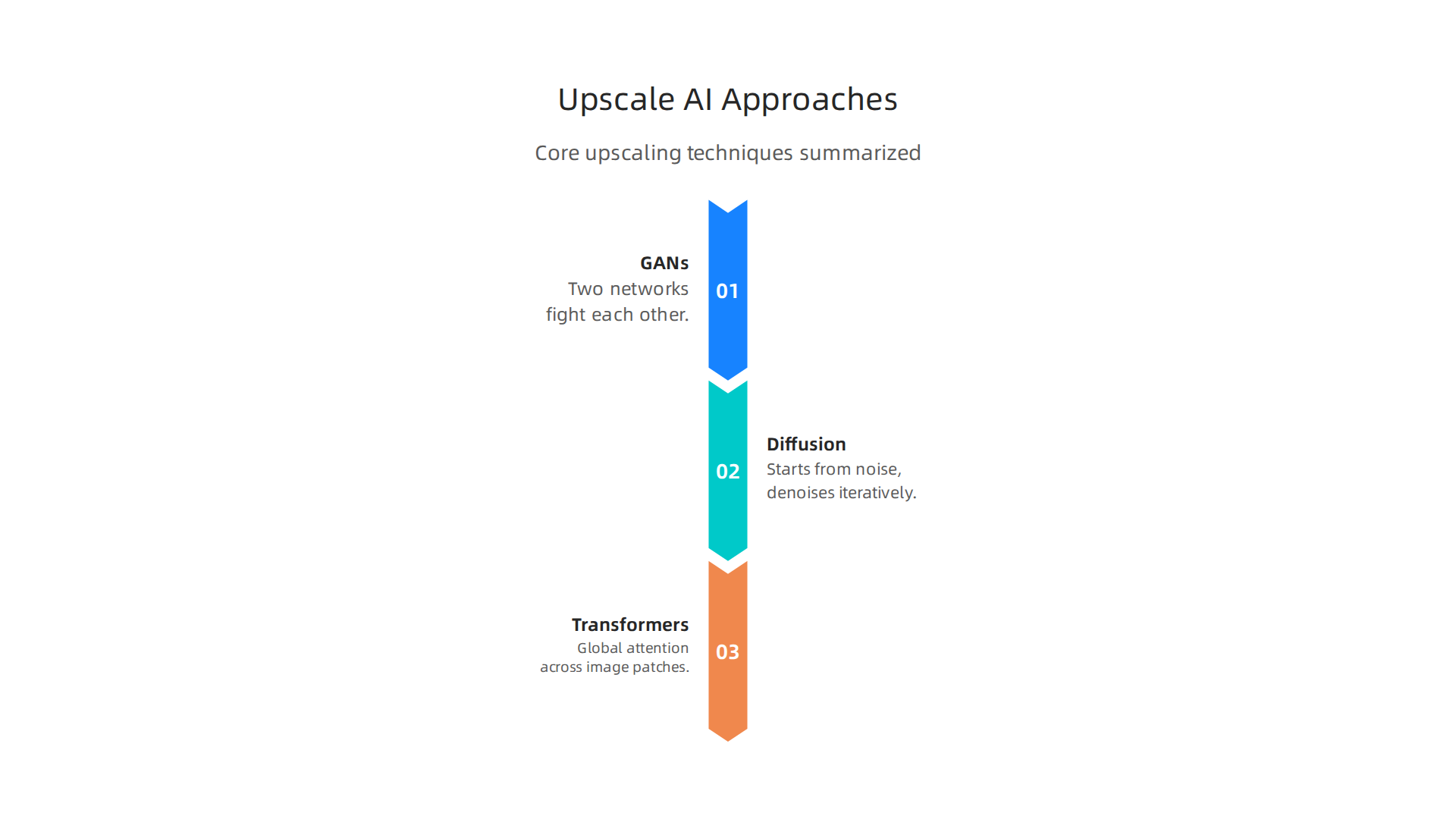
Modern upscale AI tools do not all work the same way. The three main approaches are:
-
Generative Adversarial Networks (GANs): Two neural networks fight each other. One creates fake high-res images. The other tries to spot the fakes. Over time, the generator gets so good that it produces realistic details.
-
Diffusion Models: These start with pure noise and slowly remove it while following the structure of your image. They can create incredibly sharp results but may take longer.
-
Transformer-Based Architectures: These use attention mechanisms to look at the whole image at once. They understand relationships between distant pixels, which helps with complex textures.
The technology is not just for fixing old photos. It has become essential for media restoration, gaming textures, and streaming platforms that need 4K content without reshooting everything. In fact, the market for AI upscaling is growing fast because businesses want high-quality visuals at lower costs, as shown in the latest AI Image Upscaler Market report.
If you are curious about creating visuals from scratch, check out our comparison of the best free AI image generator options for 2026.
Upscale AI is a powerful tool, but picking the right model for your needs makes all the difference. Let us look at what to consider next.
1.1 The Science Behind AI Upscaling
So how did we get from simple upscaling to the smart tools we have today? The science behind upscale AI has moved fast.
Early breakthroughs used super-resolution convolutional neural networks (CNNs). These were a big deal at the time. They could learn to fill in missing pixels better than older math-based methods. But they had limits. They often made images look soft or blurry.
Today, generative models have mostly taken over. They do not just guess pixels. They create them. This shift from CNNs to generative models is the biggest change in the field.
One top approach uses diffusion models. Google’s AI Upscaling Technology showed that diffusion models can make images look incredibly realistic. The process adds random noise to an image and then learns to remove it. This creates stunning detail. The downside? It takes a lot of computer power.
Not everyone needs perfect quality. Live streamers, for example, need speed. Real-time upscaling models trade a bit of image quality for speed. They use lighter networks that can process video frames instantly. This makes them ideal for gaming and live video.
Whether you want beautiful AI art or need a fast AI picture editor for a project, knowing the science helps you pick the right tool. You can read more about how an AI photo enhancer fixes blurry photos in seconds in 2026 for a practical look at how these models work in action.
1.2 Key Algorithms: Super Resolution, GANs, and Diffusion Models
To really understand upscale AI, you need to know the three main types of algorithms doing the heavy lifting. Each one works differently and gives different results.
First, super resolution is the classic foundation. These models learn to map low-resolution pixels to high-resolution ones. They are great for simple enlargement but can make images look soft.
Next, GANs (Generative Adversarial Networks) shine at creating realistic textures. A famous example is ESRGAN. It uses a generator and a discriminator that compete, forcing the output to look sharper and more natural. This makes GANs perfect for detailed surfaces like skin, fabric, or grass.
Then come diffusion models, which power tools like Stable Diffusion upscalers. They start with random noise and remove it step by step, guessing the missing details. The result is often photorealistic. The trade-off is speed: diffusion models take longer to run.
Finally, transformer-based models are the new frontier in 2026. They understand the whole image at once, so the upscaling stays consistent across complex scenes. You can read more about the latest transformer-based architectures for upscaling in this roundup of the best AI image upscaler 2026.
Each algorithm has its own strengths. If you want to try some of these methods yourself, check out the free AI image generators tested for 2026. That will give you a hands-on feel for how different algorithms compare in real use.
2. Top Upscale AI Tools for Image Enhancement in 2026
With so many options out there, choosing the right tool can feel overwhelming.

The best pick for you depends on what you need: fast batch processing, real-time results, or high-fidelity restoration.
For a clear starting point, check out this ranking of the best AI image upscalers for 2026 from Curious Refuge. It breaks down top performers like Magnific and GigaPixel based on real-world testing. These tools handle different jobs well. For example, GigaPixel is a winner if you prefer a one-time fee over a constant subscription.
If you are already fixing blurry photos, you might want to explore how an AI photo enhancer works in seconds. That will show you the practical side of these tools.
The market in 2026 has something for everyone. Free open-source options like Upscayl are great for casual use. Paid tools like Let’s Enhance give you cleaner results for professional work. Think about your image type and how much detail you need. That will point you to the right choice.
Want to keep learning about the best AI tools? Your Daily AI Shortcut is a simple way to get fresh insights every day without the noise.
2.1 Tool A: Topaz Gigapixel AI
If you want a tool that feels like a trusty sidekick for photo editing, Topaz Gigapixel AI is a strong pick.
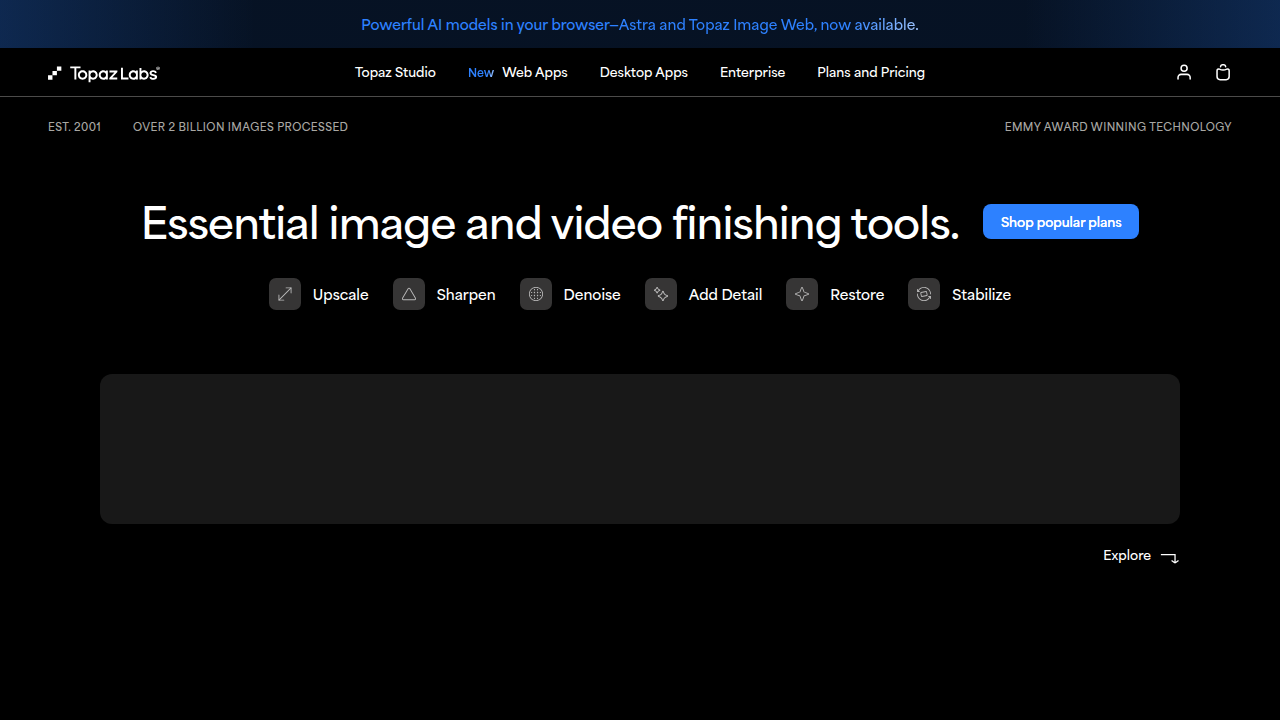
It gives you high-quality 4x upscaling with a simple, clean interface. You don’t need to be a tech wizard to get great results.
This tool shines for photographers and designers who need quick, professional results. It works directly as a plugin inside Photoshop and Lightroom. That means you can upscale images without leaving your editing software.
According to this list of free AI image upscalers for 2026, Topaz Gigapixel AI is one of the top paid options for serious work. It also handles batch processing, which saves time on large projects.
If you are also exploring other image tools, check out this guide to the best free AI image generators. It covers options for creating new images from scratch.
Topaz Gigapixel AI is not a free ai tool. It costs money, but many pros say the quality is worth the price. You get beautiful AI results that hold up for print and web.
2.2 Tool B: Let’s Enhance
If you need to upscale lots of images fast, Let’s Enhance is a top pick.
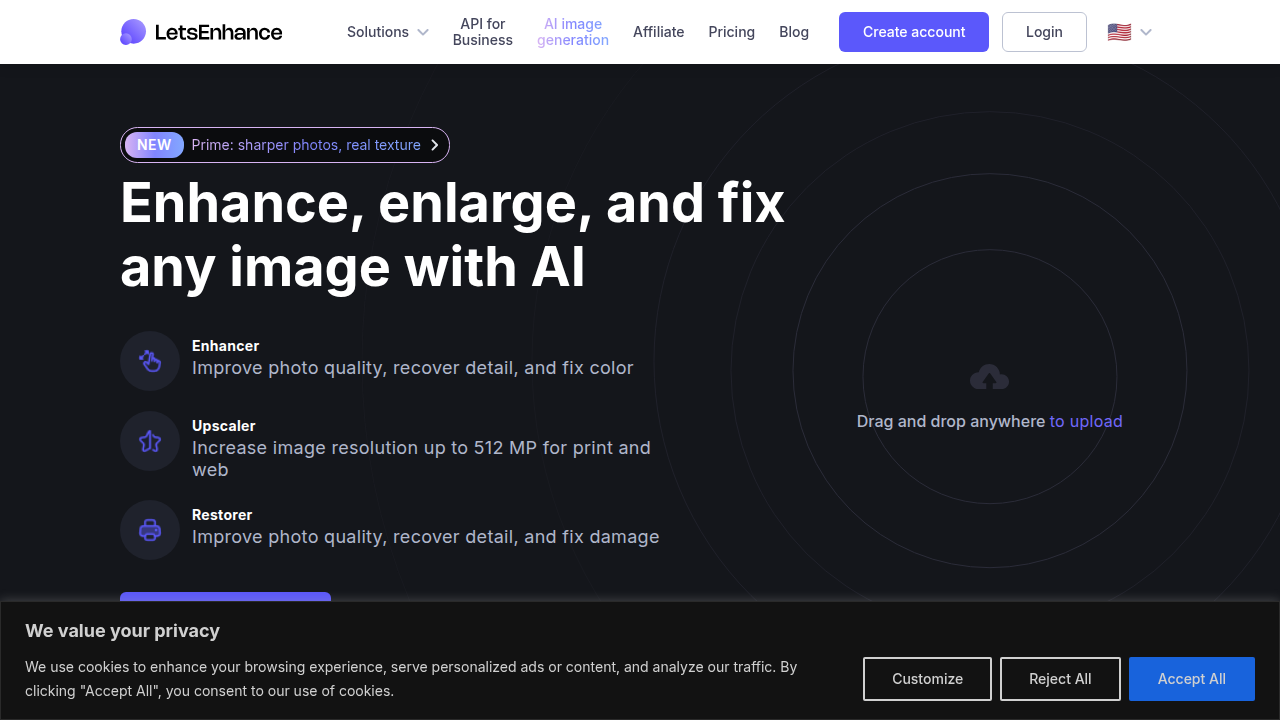
It excels at batch processing large volumes without slowing down. That makes it a favorite among e-commerce teams who need crisp product photos ready quickly.
This tool also offers API access for automation. You can build it right into your workflow. No manual uploads needed. That saves hours on big projects.
According to this review of the best AI upscalers for portraits in 2026, Let’s Enhance stands out for delivering natural detail without artifacts. It is easy to use and works for both web and print.
Want to know more about how AI cleans up images? Check out this guide on how an AI photo enhancer fixes blurry photos in seconds.
For daily tips and updates on tools like this, get Your Daily AI Shortcut.
2.3 Tool C: Upscayl
If you like having full control and do not mind a little setup, Upscayl is a standout pick. It is completely free and open-source,
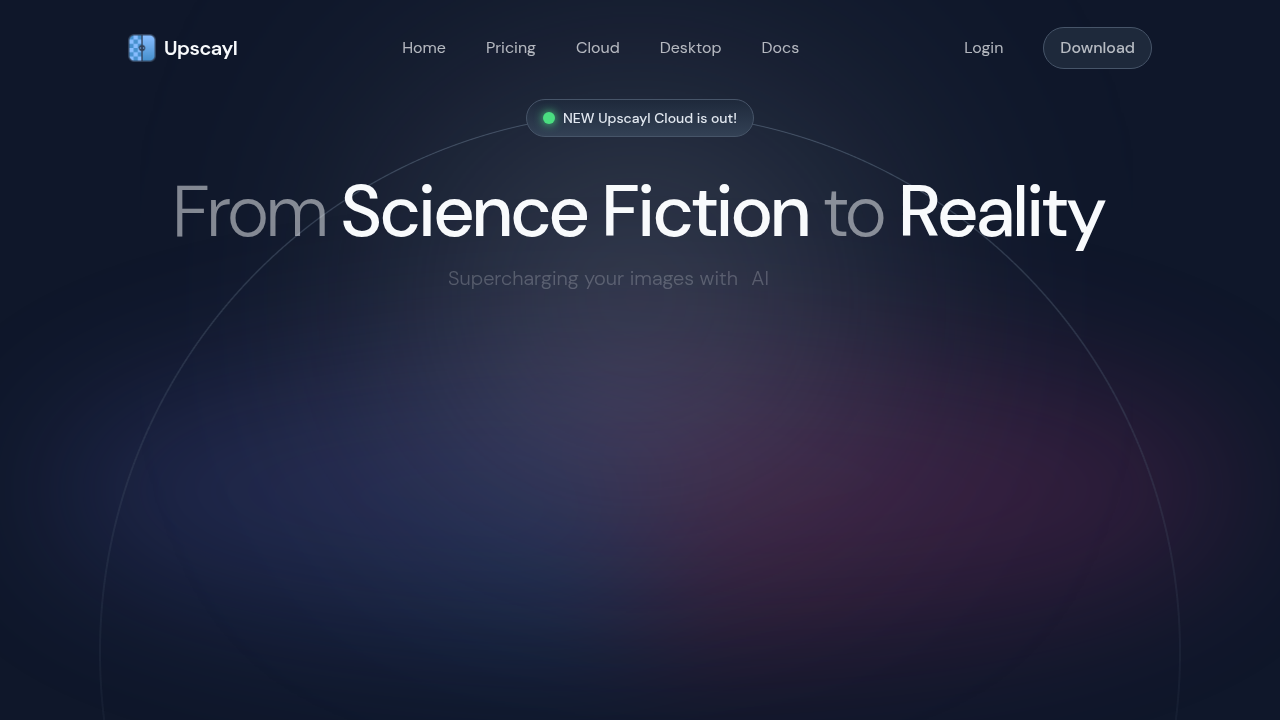
which means you can run it on your own hardware and even train custom models. This makes it a favorite for developers and tinkerers who want to fine-tune how their images are upscaled.
According to this 2026 open-source AI image upscaler review, Upscayl ranks high for ease of use among free tools while still offering deep flexibility. The trade-off is a steeper learning curve. You will need some technical comfort to get the most out of it. But if you want to upscale AI images without paying a subscription, Upscayl is hard to beat.
For more free AI tools that give you creative power, check out these free AI image generator options.
3. Upscale AI for Video: From SD to 4K and Beyond
Moving from images to video makes the task much bigger. Video upscaling requires processing many frames each second, so it needs more computing power. An upscale AI for video must balance speed and quality.
The good news is that in 2026, you can find tools that upscale video in real time during playback. That means old SD movies can look crisp on a 4K TV. Some tools even add detail that was not in the original. Open-source options, like those covered in this 2026 Open-Source AI Image Upscaler Review, also support video upscaling.
When you choose a video upscaler, think about three things: quality, speed, and cost.
Free tools may run slower but can still work well. Paid tools tend to be faster and produce better results. If you create video content, investing in a good upscaler can save time and make your work look professional.
To keep learning about the latest AI tools for video and other creative tasks, join Your Daily AI Shortcut for simple daily updates. You can also explore more free AI tools for content creation, such as these best faceless AI tools for content creation.
3.1 Real-Time vs Batch Upscaling
When you pick an upscale AI tool, the first big choice is speed versus quality. Real-time upscaling processes video frames as they play. This is critical for live streaming and gaming, where you cannot wait for each frame. The AI must be fast and efficient to keep up with the action.
Batch upscaling works differently. You send a whole video or a set of images to the tool, and it processes them one by one. It takes longer, but it produces the highest quality results. This is the right choice for film restoration or creating polished content you plan to share.
Here is the thing. In 2026, hybrid approaches are becoming more common. Some tools now let you preview in real time and then apply a higher quality batch render later. This gives you the best of both worlds.
If you are curious about how AI can clean up and improve your images, this guide on AI photo enhancer fixes blurry photos is a good next step. For a broader look at tools that balance speed and quality, see the 12 best AI image upscaler software comparison for 2026.
3.2 Top Video Upscaling Tools
When you need to upscale AI video content, a few tools stand out in 2026. Topaz Video AI remains the gold standard for offline conversion. It runs on your own machine and delivers professional-grade results for film restoration or high-end content. The tool is consistently recognized among the best free image upscale software for 2026.
For those who prefer free, open-source solutions, FFmpeg with AI filters offers command-line flexibility. It is more technical but gives you complete control over the process.
Cloud services like Google Cloud Video AI provide scalable upscaling. They work well for large projects where you need to process many videos without tying up your local hardware.
If you want to explore more creative AI tools, check out these best free AI image generator options for 2026. And for daily updates on all things AI, join the Your Daily AI Shortcut newsletter for simple daily insights.
4. Integrating Upscale AI into Your Digital Media Workflow
Once you have chosen your upscaling tool, the next step is fitting it into your daily workflow.
A smooth integration saves time and keeps your output consistent across projects.
Start with a clear pipeline design. A good approach is to first clean up your source material, then upscale step by step. According to the best image upscaler APIs for product teams, you can validate quality in a user interface first, then wire the same models into your app using an API. This lets non-developers test presets while engineers handle the backend.
APIs and plug-ins remove much of the friction. Most modern upscale tools offer simple REST endpoints. Your app sends an image or video URL, the API processes it, and you receive the enhanced result back. You do not need machine learning expertise, just standard web development skills.
For output optimization, always match your upscaled files to the final platform. For web use, a 2x upscale is usually enough. For print, calculate pixel dimensions at 300 DPI. For video, keep the resolution aligned with your production pipeline.
If you want to build a complete AI-powered workflow, check out our guide on the best AI productivity tools for 2026 to see which tools integrate smoothly together.
4.1 API Integration and Automation
For teams handling many images, clicking "upscale" one by one is a waste of time. API integration solves this.
Most upscale AI tools offer simple REST endpoints. Your backend sends an image or image URL, and the API returns the enhanced file. You do not need any machine learning knowledge to set this up. For a deeper look at how developers connect AI tools, check out our guide on Flow AI: how developers build advanced AI solutions.
For batch processing, webhooks and cron jobs are the answer. You can schedule a nightly job to process a whole folder. The API sends a webhook back to your server when each image is done. The complete AI upscaling handbook in ComfyUI shows a step-by-step workflow that starts with a cleanup pass before moving to higher resolutions.
Cost management is key as you scale. Different vendors charge per image or per megapixel. If you add too many enhancement steps, your pipeline cost can double fast. Always track cost per image and per pipeline stage.
For a steady stream of practical AI updates in 2026, subscribe to the Your Daily AI Shortcut newsletter for simple daily insights.
4.2 Optimizing Output for Different Platforms
Once your API pipeline is running, the next question is: where are these images going? A single upscale AI setting does not work for every destination. Each platform has its own rules.
For social media, resolution and file size matter most. Instagram, LinkedIn, and X all compress images differently. A 4K image uploaded to X gets squashed to a much smaller size. The trick is to upscale to about 2x the platform’s max display size and no more. Any extra detail just gets thrown away. As our guide on AI photo enhancer tools explains, starting with a moderate upscale gives the most reliable results for social sharing.
Print is a different game. You need a higher bit depth and more accurate color. A 300 DPI print at 8×10 inches needs pixel dimensions around 2400×3000. The upscale AI model you choose must preserve fine textures and avoid smoothing over details. For video platforms like YouTube or Vimeo, the best approach is to match your enhanced image resolution to your video output resolution so you avoid any extra compression steps.
A 2026 guide on how to enhance images with AI for different outputs recommends setting your scale factor based on the actual destination. For web use, a 2x upscale is enough. For print, calculate your target pixel dimensions first. That one step saves you time and processing costs.
5. Evaluating Upscale AI Quality: Benchmarks and Metrics
Once you have your upscaled image, how do you know if it is actually good? You can’t just rely on your eyes alone. The industry uses standard metrics like PSNR (Peak Signal-to-Noise Ratio) and SSIM (Structural Similarity). These numbers compare your upscaled image pixel by pixel against the original high-resolution version. But there is a catch. A high PSNR score does not always mean the image looks great to a human. Sometimes an upscale that scores lower on PSNR actually looks more natural and sharp.
That is where perceptual metrics come in. LPIPS (Learned Perceptual Image Patch Similarity) and DISTS (Deep Image Structure and Texture Similarity) measure how closely an image matches human visual perception. The latest 2026 guide on image super-resolution explains that perceptual metrics better align with what our eyes consider a good result. You should check both types of scores when testing an upscale AI model.
Still, numbers only tell part of the story. Real-world testing is the final judge. Print the image. Zoom in on a face. Look at the texture of fabric. No benchmark can replace your own eyeballs. For a practical comparison of top tools, see our guide on the best free AI image generators tested in 2026.
If you want to stay ahead of the curve on AI quality standards, grab Your Daily AI Shortcut. It delivers simple daily AI insights straight to your inbox.
5.1 Key Metrics: PSNR, SSIM, LPIPS
To really understand what an upscale AI is doing under the hood, you need to get familiar with three common benchmarks.
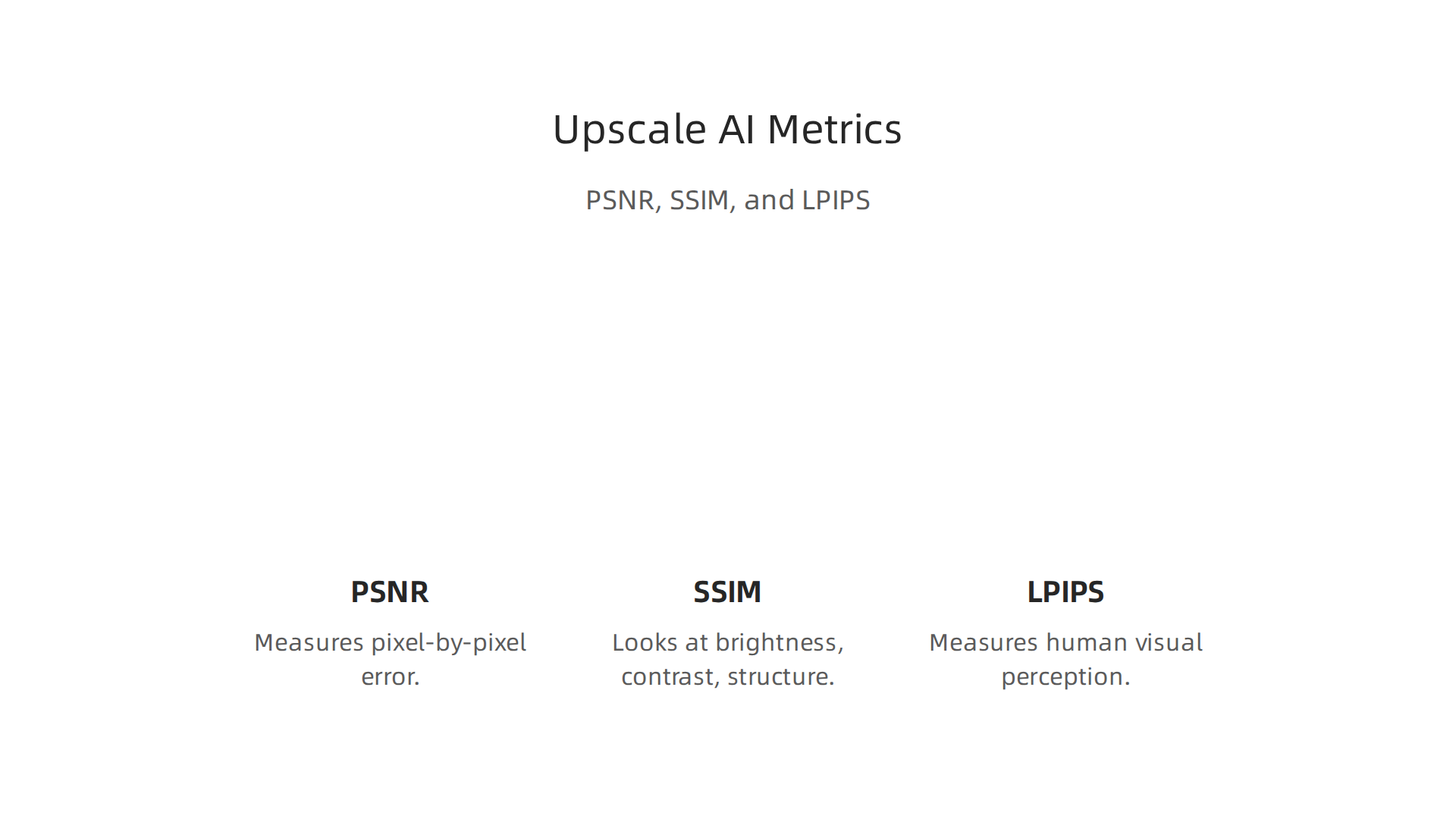
Think of them as a report card for your upscaled image.
First up is PSNR, which stands for Peak Signal-to-Noise Ratio. This metric compares every single pixel in your upscaled image against the original high-resolution version. It measures how much error exists pixel by pixel. A higher PSNR number means less error. But here is the thing: PSNR can be misleading. An image with a great PSNR might still look a bit blurry or unnatural to your eyes. That is why the NTIRE 2026 efficient super-resolution challenge uses PSNR as a hard cutoff: any model that scores below 26.90 dB is disqualified from further ranking. So PSNR tells you if the math is right, but not necessarily if the image looks good.
Next is SSIM, or Structural Similarity Index. This metric looks at brightness, contrast, and structure instead of individual pixels. It captures how well the upscale AI preserves things like edges, patterns, and textures. SSIM scores range from 0 to 1, with 1 being a perfect match. It is usually a better guide than PSNR for real-world image quality.
Then you have LPIPS, which stands for Learned Perceptual Image Patch Similarity. This is a newer metric that uses a deep neural network to compare images the way a human would. LPIPS looks at high-level features like shapes and textures rather than raw pixel values. A lower LPIPS score means the upscaled image looks more natural to people.
No single metric tells the whole story. Smart reviewers look at all three together. Some tools score high on PSNR and SSIM but fail on LPIPS, meaning they are mathematically accurate but visually boring. The best upscale AI models balance all three while still feeling natural to the human eye. If you are curious how these metrics play out in real editing tools, our guide on how an AI photo enhancer fixes blurry photos shows practical examples of what good and bad scores actually look like in action.
5.2 Human Evaluation and Real-World Testing
Metrics like PSNR, SSIM, and LPIPS give you numbers, but they do not tell you how an image actually feels to look at. The real test happens when real people compare side by side.
This is where crowdsourced A/B testing becomes the gold standard. Researchers show two versions of the same upscaled image to human judges and ask which one looks better. Since human perception is the final goal, this kind of testing gives you a ground truth that no formula can match. The top tools being compared in 2026, like those in the best ai image upscaler 2026 roundup, rely heavily on human feedback for their rankings.
Domain matters a lot too. An upscale AI that works wonders on old family photos might fail on fast moving sports footage. Upscaling a grainy 1990s vacation picture calls for smoothing noise while keeping faces sharp. Upscaling a soccer match needs to preserve motion blur and edge detail. Different tasks demand different strengths, so rankings change depending on what you are upscaling. If you are exploring free options first, our review of the best ai image generator free options can help you understand what free AI tools can really deliver.
Looking ahead, regulatory standards may start to appear for upscaling in broadcast television and streaming. As AI upscaling becomes more common in news footage and live sports, broadcasters may need to follow rules for how much detail is acceptable to add. This would make human evaluation even more important for compliance.
6. Future Trends: Where Upscale AI is Heading in 2026
The rules and tests we just covered are important, but upscale AI is moving fast. Here are the three biggest shifts to watch in 2026.
Real-time upscaling is becoming standard. You no longer need a powerhouse computer to sharpen images on the fly. New consumer devices from phones to streaming sticks now include dedicated AI chips that upscale video in real time. The entire AI image upscaler market projections show it reaching USD 44.7 billion by 2033, driven by this demand for instant high quality.
Generative upscaling is blurring the line between restoration and creation. Old tools just added pixels. Now models can fill in missing details, change textures, and even generate new content that looks real. The latest generative AI adoption trends show 53% of people have used generative AI in just three years. This power makes it hard to tell what was restored and what was made from scratch.
Ethical concerns around deepfakes will drive regulation. As upscaling becomes more creative, the risk of creating convincing fake images grows. Broadcasters and social platforms will need clear rules about how much detail AI can add to videos and photos. Much like the human evaluation methods we discussed earlier, these standards will rely on real people to verify what is real.
If you work with digital media, now is the time to understand both the power and the responsibility of these tools. To stay ahead of these trends, join The Deep View Newsletter for simple daily AI insights.
6.1 AI Upscaling in Video Games and VR
DLSS and FSR are already mainstream in 2026, but the next generation goes further. At GTC 2026, NVIDIA introduced DLSS 5 with neural rendering, which uses AI to generate entire parts of a scene in real time instead of just adding pixels. This shift from upscaling to full reconstruction changes the game. The DLSS 5 and neural rendering update shows how AI is completely transforming video game graphics.
VR headsets benefit enormously from this technology. They upscale lower-resolution render passes to save power while still delivering crisp, immersive visuals. Cloud gaming platforms also rely on upscaling to stream high-quality video without lag. As these tools get smarter, both PC and VR gaming become more accessible.
For a broader look at who is pushing these innovations, check out our guide on tracking AI innovators in 2026.
6.2 Ethical Considerations and Deepfake Risks
The same upscale ai technology that makes video games look stunning also has a darker side. When applied to video or images, these tools can turn low-resolution deepfakes into highly convincing fake media. In 2026, this is a growing concern as hyper-realistic AR/VR experiences become almost indistinguishable from real life, as noted in a Forbes report on physical AI and spatial computing.
Policymakers are now pushing for transparency requirements. They want any AI enhanced or generated content to be clearly labeled.

Industry groups are also creating responsible use guidelines to help developers and users avoid harm. For creators using an ai picture editor, it’s smart to follow these emerging rules and only upscale media you have permission to modify.
Staying informed about these ethical shifts is easier with trustworthy sources. If you want to keep up with AI policy and safe tool recommendations, check out Your Daily AI Shortcut for quick, reliable updates. And for a deeper look at how AI detection tools can spot manipulated content, read our guide on the most accurate AI content detection tool in 2026. Remember, free ai tools are powerful, but using them responsibly matters more than ever.
Conclusion: Mastering Upscale AI for Digital Media in 2026
By now you know the power of upscale ai. The tools are no longer a nice add-on. They are a must for any media workflow in 2026. Whether you work with photos, video, or art, being able to boost resolution cleanly gives you a real edge.
The key is not just picking any tool. It is picking the right one for your needs. Then you need to integrate it smartly into your workflow. Test different settings. Check both speed and quality. A good starting point is to try a free tool first, then move to a paid option when you need more control.
Evaluate your results at full zoom. Compare outputs side by side. Over time, you will learn what works best for your content. For example, a 2x upscale with moderate enhancement often gives the most reliable results for web and social media, as explained in a practical 2026 guide on how to enhance images with AI.
The field moves fast. Staying up to date matters. You can keep learning with guides that cover related topics, like how an AI photo enhancer fixes blurry photos fast. That way you always know what new techniques and beautiful ai output are possible.
Mastering upscale ai is a process. But with the right approach and a little practice, you can turn any low-res file into stunning media. And that is a skill worth having.
Summary
This guide distills the fast-moving world of AI upscaling in 2026 into practical advice you can use today. It explains how modern upscalers (GANs, diffusion, and transformer models) predict and add missing pixels, why different algorithms suit photos or video, and which tools lead the pack for casual and professional workflows. You’ll find hands-on recommendations—free, open-source, and paid—plus clear guidance on choosing real-time versus batch processing and integrating upscalers into apps using APIs. The article also covers how to measure quality with PSNR, SSIM, and perceptual metrics like LPIPS, how to optimize output for web, print, and streaming, and the ethical risks around deepfakes and labeling. Read this to learn how to pick the right tool, set up a cost-effective pipeline, test results in the real world, and stay ahead of emerging trends in game, VR, and broadcast upscaling.