

Introduction: Why Spring AI Matters in 2026
Large language models are everywhere in 2026. From chatbots that handle customer support to code assistants that write entire functions, these AI models promise to change how we build software. But here’s the catch: integrating them into real Java applications is still messy.

Each model provider has its own API, its own authentication, its own way of handling prompts and responses. For Java developers who love the clean, consistent feel of the Spring ecosystem, this fragmentation is a real headache.
That’s exactly the problem Spring AI was built to solve. Released by VMware in 2024, Spring AI gives Java developers a unified way to work with AI models inside the familiar Spring framework. Instead of writing custom code for every provider, you get a consistent abstraction layer that works with OpenAI, Anthropic, Google, and many others. Think of it as the same philosophy that made Spring popular for databases and web services, now applied to artificial intelligence. As the official Spring AI project page explains, its goal is to bring portability and modular design to AI engineering.
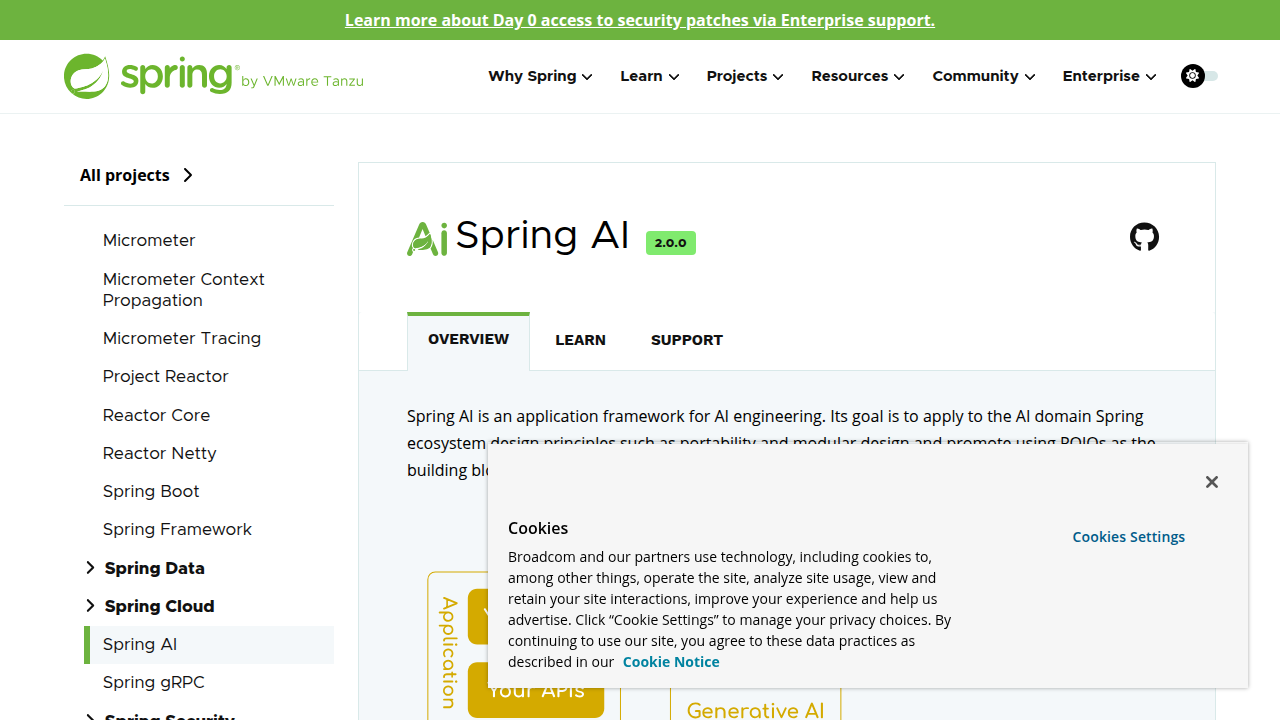
We’re now deep into 2026, and Spring AI has matured rapidly. With the recent release of Spring AI 2.0.0 GA (announced in June 2026), the framework supports Spring Boot 4.0, improved agent capabilities, and tighter integration with modern Java features. For any developer working on AI-powered applications in the Java world, understanding Spring AI is no longer optional. It’s becoming the standard way to build intelligent services without reinventing the wheel.
This guide will walk you through everything you need to know: core concepts, setup steps, integrations with popular LLMs, best practices for production, and the framework’s evolving role in enterprise development. Whether you’re new to AI or an experienced Spring developer looking to add intelligence to your apps, you’ll find practical advice here.
If you’re exploring how AI fits into your organization, you might also find this overview of choosing the best enterprise AI platform for your organization helpful as a broader resource.
And if you want to stay ahead of every AI development in just a few minutes each day, make sure to subscribe to the Your Daily AI Shortcut newsletter for simple daily AI insights.
What is Spring AI?
Let’s get straight to the point. Spring AI is an open-source framework that makes it much easier to add AI features to your Spring Boot applications. Think of it as a translator layer. Instead of learning the unique rules of every AI model provider, you write code once using Spring AI’s consistent APIs, and it handles the rest.
The official Spring AI reference guide describes it as an application framework for AI engineering.
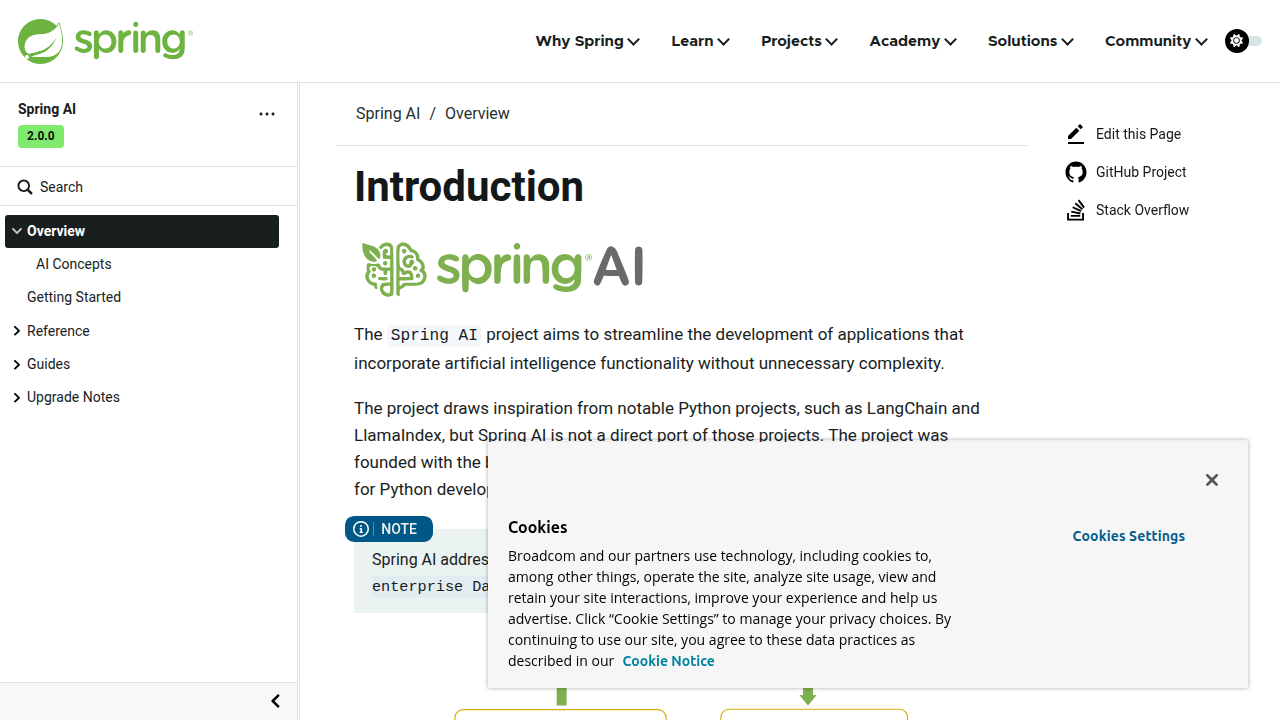
That means it brings the same design principles you love from the Spring ecosystem to the world of artificial intelligence: portability, modularity, and developer productivity.
Here’s what makes it special. Before Spring AI, if you wanted to use both OpenAI and Anthropic in the same app, you had to write separate integrations for each. Different endpoint URLs, different authentication methods, different prompt formats. It was a mess. Spring AI cleans all that up by giving you one unified API that works across multiple providers.
The framework supports everything you’d expect in 2026: popular large language models (LLMs), embedding models for turning text into numerical vectors, and vector stores for storing and searching those vectors efficiently. And because it plugs right into Spring Boot, you configure it the same way you configure a database or a REST service. If you already know Spring, you already know most of Spring AI.
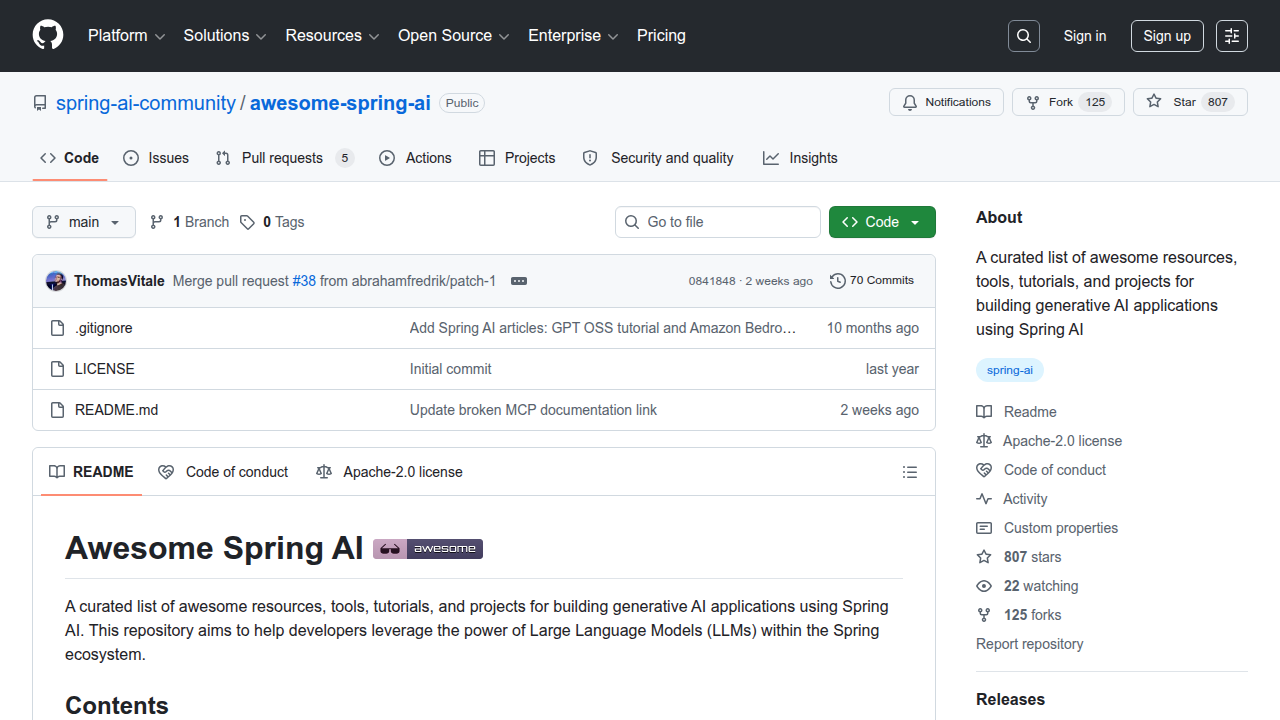
The community around Spring AI is growing fast. A curated list of resources and tools is available on the awesome-spring-ai GitHub repository, which is a great place to find examples and extensions.
For developers who want to see how others are building intelligent applications with these same patterns, the article on Flow AI: how developers build advanced AI solutions offers a practical look at the bigger picture.
So in simple terms: if you’re building a Java application and you want to add AI smarts without fighting with multiple APIs, Spring AI is the tool that makes it all click together. It saves you time, reduces bugs, and keeps your code clean.
Key Features of Spring AI
Let’s look under the hood at what Spring AI actually gives you. The framework bundles several smart features that turn complex AI tasks into simple code.
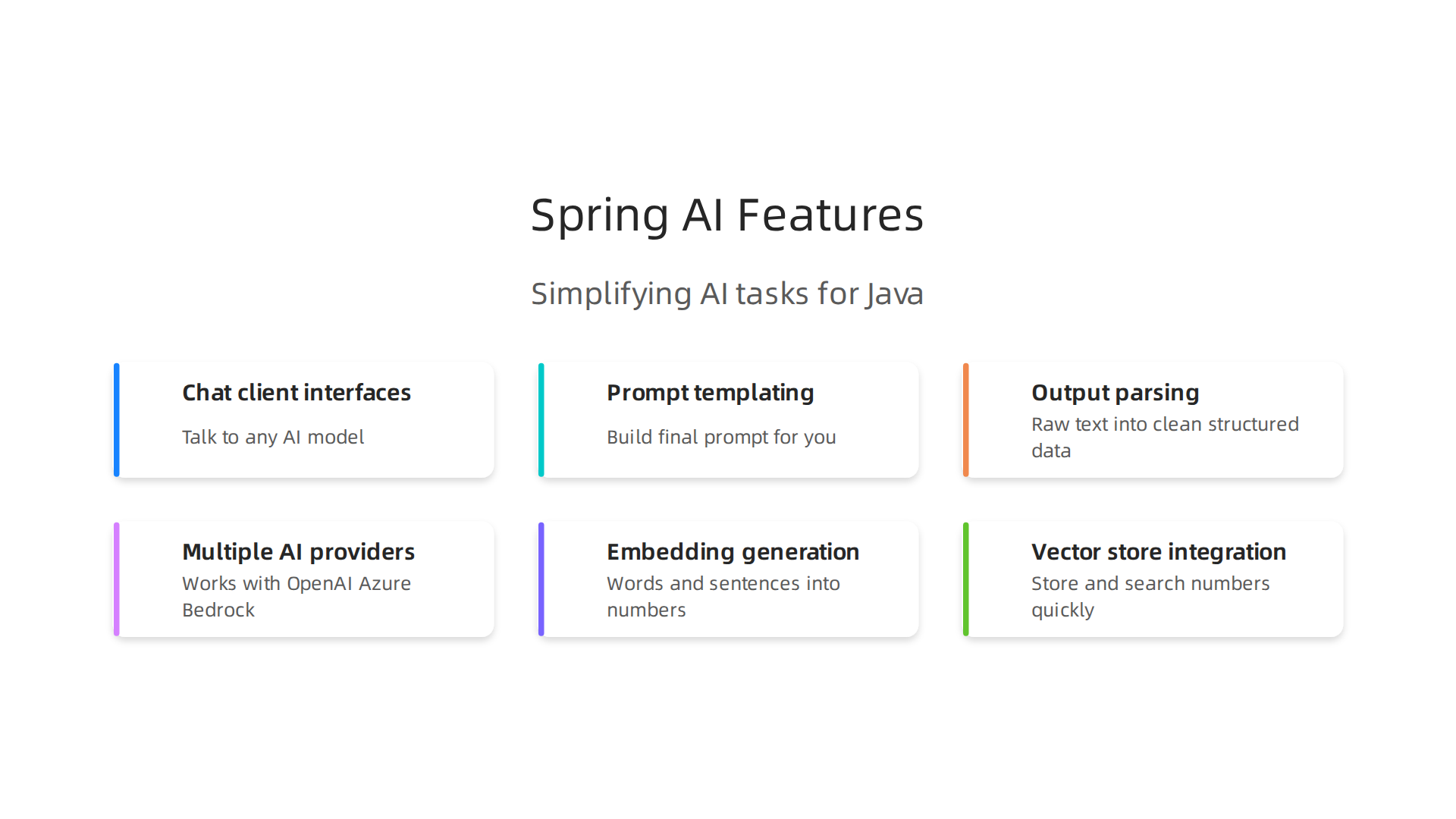
Chat client interfaces, prompt templating, and output parsing. These three core pieces work together like a well-oiled machine. The chat client API lets you talk to any AI model using the same code pattern. You write one message format and Spring AI translates it for each provider. Prompt templates work like the templates you already use in web apps. You create a structure, drop in variables, and the framework builds the final prompt for you. Output parsing then takes the raw text the AI returns and transforms it into clean, structured data your application can use right away. A detailed Spring AI features overview from Keyhole Software explains how these client abstractions hide provider details while still giving you room to customize.
Built-in support for multiple AI providers. This is where Spring AI really shines. The framework comes ready to work with OpenAI, Azure OpenAI, Amazon Bedrock, and Hugging Face models. The official Spring AI GitHub repository shows support for even more providers including Anthropic, Google, Ollama, Mistral AI, and DeepSeek. So if you start with one provider and want to switch later, you change a config line instead of rewriting code. That is a huge time saver.
Embedding generation and vector store integration. Here is the simple version of a powerful feature. Embeddings turn words and sentences into numbers that capture their meaning. Vector stores like Pinecone, Weaviate, and Redis let you store and search those numbers quickly. Spring AI makes both steps first-class features. You generate embeddings with one call and store them just as easily. This opens the door to semantic search and retrieval-augmented generation (RAG) without needing a separate data science team.
These features make Spring AI a practical choice for teams building AI into their Java applications. Your how to use AI skills grow naturally as you explore each piece.
For developers who want to stay sharp in this fast-moving space, keeping up with daily AI developments is just as important as knowing the tools. The Deep View Newsletter delivers simple daily AI insights straight to your inbox and helps you track what matters most.
Setting Up Spring AI in Your Project
Ready to get your hands dirty? Setting up Spring AI is simpler than you might think. You have two main paths to choose from.
Path one: Use Spring Initializr. This is the quickest route. Head to the Spring Initializr website, pick your project settings, and add the Spring AI dependency.
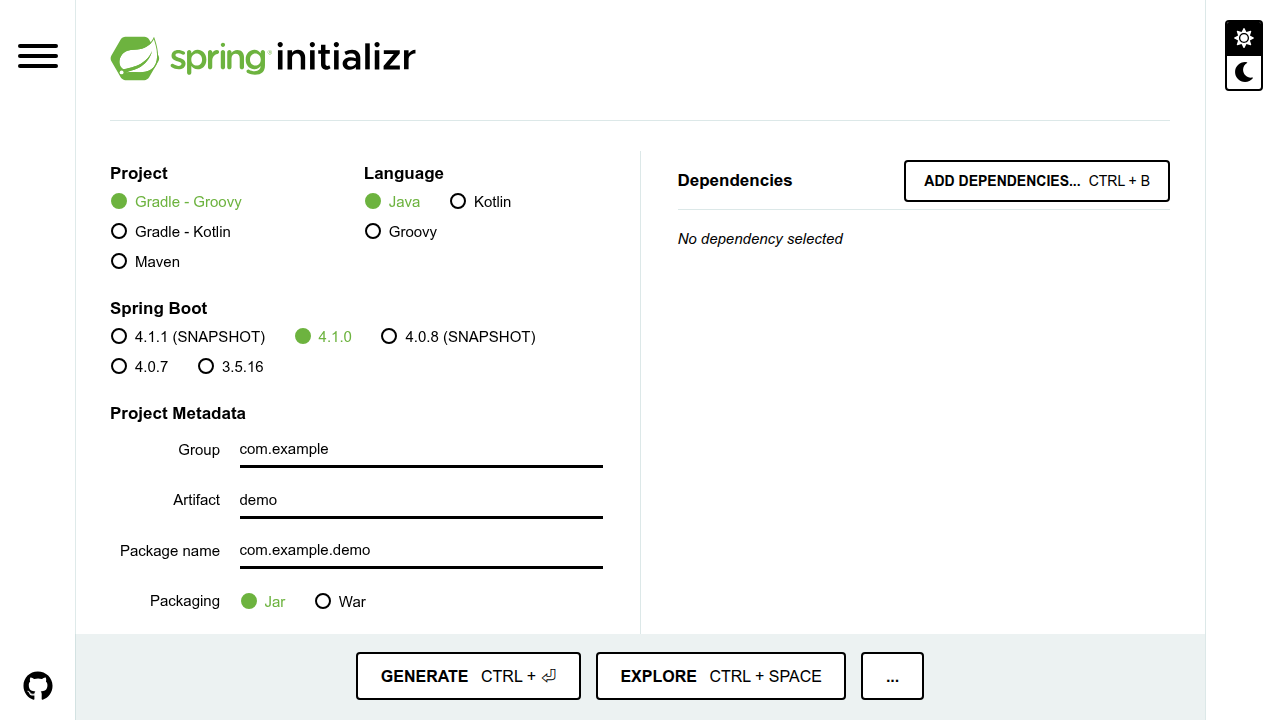
The tool generates a ready-to-run project for you. No manual file editing needed.
Path two: Add the dependency manually. If you prefer working in your own project, just drop the Spring AI starter into your Maven pom.xml or Gradle build.gradle. The official Baeldung guide on initializing the Spring AI project walks you through the exact dependency coordinates so you can copy and paste without guessing.
Once the dependency is in place, you need to configure your API keys. Every AI provider gives you a unique key. Store these in your application.properties or application.yml file like this:
spring.ai.openai.api-key=${OPENAI_API_KEY}
This keeps your keys secure and your config clean. You can add keys for OpenAI, Anthropic, Google, or any other supported provider. The framework handles the rest.
Here is where the magic happens. Spring AI uses auto-configuration for most common scenarios. Once you add the starter and set your keys, the framework automatically wires up the beans. You get a working chat client, embedding client, and prompt template engine without writing a single line of bean configuration. That means you can jump straight to building features instead of wrestling with setup code.
After you complete this setup, you are ready to explore bigger topics like how AI models in 2026 are transforming every major industry and see where your Spring AI skills can take you next.
For developers who want to stay sharp in this fast-moving space, keeping up with daily AI developments is just as important as knowing the tools. The Deep View Newsletter delivers simple daily AI insights straight to your inbox and helps you track what matters most.
Core Components: Models, Prompts, and Output Parsers
Once your project is set up, it helps to understand the building blocks that make Spring AI tick. The framework gives you three core components that handle almost everything you will do.
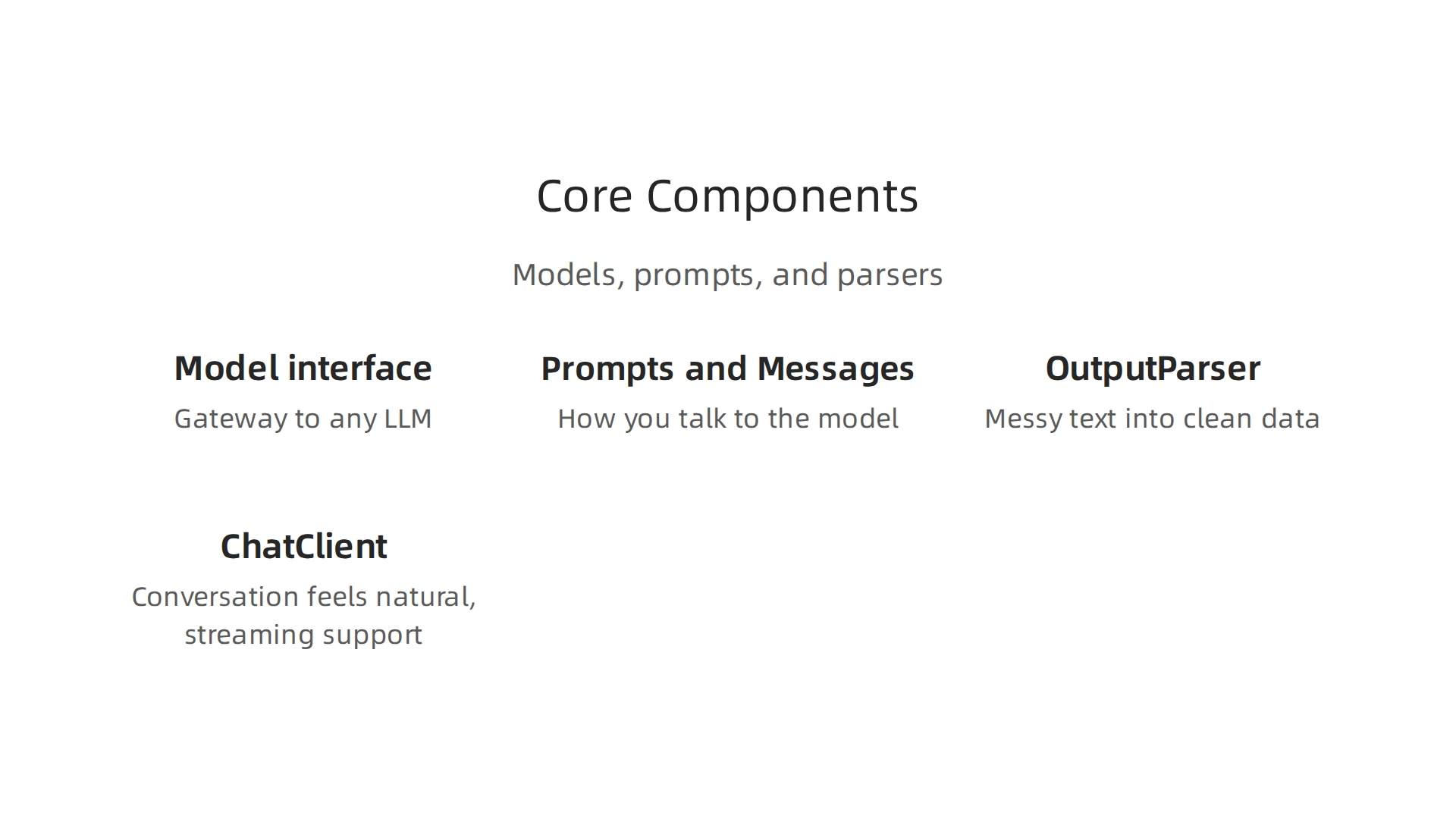
The Model interface is your gateway to any LLM. Whether you want to talk to OpenAI, Anthropic, or Google, the Model interface abstracts all the messy provider-specific details away. You write your code once, and Spring AI figures out how to talk to whichever model you choose. This is the heart of the framework, and the Spring AI official documentation explains how this abstraction layer lets you swap providers without rewriting your logic.
Prompts and Messages are how you talk to the model. A Prompt holds one or more Message objects. Each Message carries a role (like user, system, or assistant) and the actual text content. Think of it as the envelope and letter you send to the AI. You build a Prompt, send it to the Model, and get a response back. Simple.
OutputParser turns messy text into clean data. Raw AI responses are just strings. Not very useful for an application that needs JSON, a Java object, or a specific data structure. OutputParser handles that conversion for you. You define what structure you want, and the parser extracts it safely. No manual string parsing, no brittle regex. Just type-safe data ready for your code to use.
ChatClient makes conversation feel natural. This is where Spring AI really shines for developers building chatbots or interactive features. ChatClient wraps the Model interface and adds method chaining, streaming support, and session management. You can chain calls like chatClient.prompt().user("Tell me a joke").call().content() and get streaming responses back in real time. It is the easiest way to add conversational AI to your app.
These four components work together so you can build real AI features without fighting low-level API details. The abstraction is clean, the code is readable, and the patterns will feel familiar to anyone who has used Spring before. For more context on how frameworks like Spring AI fit into the bigger picture, check out how developers build advanced AI solutions with similar architectural patterns.
Now that you know what each piece does, you are ready to start wiring them together and building something useful.
Integrating with Large Language Models
You now understand the core components. But how do you actually connect Spring AI to real AI models?

The framework makes this surprisingly simple.
Spring AI gives you one consistent API for all major providers. You can work with OpenAI, Azure OpenAI, Amazon Bedrock, Google Vertex AI, and local models running on Ollama. The code you write looks the same no matter which provider you pick. This means you can build your features first and decide on the model later. A developer’s guide to merging AI with the Spring ecosystem shows exactly how the API stays the same while you swap providers behind the scenes.
Switching models is as easy as changing a config file. Instead of rewriting your code to move from OpenAI to Google Vertex AI, you just update a property in your application.properties file. Spring AI handles all the connection details. This is a huge time saver when you test different models or when a provider releases a better version. Think about building a customer support chatbot. With Spring AI, you change one line and the swap is done. No rewrites, no downtime.
Streaming responses feel fast and natural. Modern AI features need to show results as they arrive, not make users wait for the full answer. Spring AI supports streaming out of the box. Tokens come in one by one, so your app feels responsive and alive. This is critical for chatbots or any tool where users want instant feedback.
Function calling lets the AI take real actions. You define Java methods that the model can decide to call. For example, let the AI look up a user’s account balance or submit a support ticket. The model figures out when to call these functions, and Spring AI handles the communication. No manual coordination needed.
Multi-model orchestration is built in. Need to ask multiple models the same question and compare answers? Or route simple questions to a small model and complex ones to a large model? Spring AI supports these patterns directly with no extra work.
The result is a framework that does not lock you into any one provider. You get flexibility and speed without the usual headaches. To see how these models are reshaping business, check out how AI models in 2026 are transforming every major industry.
And if you want a simple way to stay on top of all this AI progress, join Your Daily AI Shortcut for quick daily insights that fit right into your busy schedule.
Coming up next: how Spring AI connects your application to real data.
Advanced Use Cases: Agents, Tool Calling, and RAG
Once you have basic model integration working, Spring AI opens the door to much more powerful patterns.

You can build AI agents that make decisions, pull in real data from your systems, and reason through multi-step problems.
AI agents in Spring AI work through tool calling. You define Java methods as tools, and the model decides when to call them. Say you build a customer support bot. You give it a tool to look up order status and another to process returns. The model picks the right tool based on what the user asks. A practical guide to building AI agents with Java and Spring AI walks through exactly how to set this up with domain-specific knowledge. No complex orchestration code needed on your end.
RAG takes your app from generic to informed. Large language models only know what they trained on. That means they miss your internal documents, product specs, and company data. Retrieval-Augmented Generation fixes this. Spring AI provides document readers to load your files, splitters to break them into chunks, and vector stores to search them fast. When a user asks a question, the system finds the right documents and feeds them to the model as context. The official Retrieval Augmented Generation guide from Spring AI Reference shows the full pipeline. You can build a RAG application with Spring Boot, Spring AI, and MongoDB to let users chat with your company documents directly. The result is answers that are accurate and grounded in your real data, not just general AI guesses.
Multi-agent orchestration is experimental but powerful. Spring AI is testing MoA (Multi-agent orchestration) patterns where multiple agents work together. One agent might research a topic while another writes a summary and a third checks for accuracy. This is still evolving, but it shows where the framework is heading.
Here is what all this means for you. You start with a simple chat feature. Then you add a tool to look up customer data. Then you hook in RAG so the AI reads your knowledge base. Each step builds on the last, and Spring AI keeps the plumbing simple. To see how developers build advanced AI solutions in real projects, check out what teams are creating with modern frameworks.
The framework does not force you into one pattern. You can start small and grow your AI features as your needs get more complex.
Spring AI vs. Other AI Frameworks
If you are exploring AI development, you have probably heard of LangChain and Haystack. These are the big names in the Python and JavaScript worlds.

But if you work in Java and especially with Spring Boot, Spring AI gives you something those tools cannot.
LangChain is the most popular AI framework overall. It works with Python and JavaScript. It has a huge community and tons of integrations. You can build agents, RAG pipelines, and tool-calling workflows with it. But there is a catch. LangChain is not native to Java. You have to use its Python SDK or wrap it in a separate service. That adds complexity to your stack.
Haystack is another strong option focused on NLP and search. It also uses Python. It is great for building retrieval systems and question-answering bots. But again, if your team is all-in on Java, Haystack means maintaining a second codebase.
Spring AI solves this by being the only native Spring-based solution. It sits right inside your existing Spring Boot application. You use the same dependency injection, configuration, and security patterns you already know. The official Spring AI reference documentation shows how the framework provides modular architecture for RAG flows, tool calling, and model integration. No separate service. No language bridge. Just Java.
The trade-offs are clear. LangChain and Haystack have broader language support and larger ecosystems. You can find more community tutorials and third-party integrations for them. But Spring AI gives you tighter Java integration, seamless Spring Boot compatibility, and a simpler development experience for Java teams. If your organization already runs on Spring, Spring AI is the natural choice.
Here is the bottom line. If you need to support multiple languages or your team uses Python primarily, LangChain or Haystack might be better. But if you are a Java developer working in a Spring ecosystem, Spring AI removes the friction of managing separate AI services. You get agentic patterns, RAG, and tool calling all within your familiar Spring Boot environment.
For more context on choosing the right AI infrastructure for your organization, explore this guide on how to choose the best enterprise AI platform. And if you want to stay current with daily AI developments that impact your framework decisions, here is a practical resource: Your Daily AI Shortcut.
Best Practices and Considerations for Production
Bringing Spring AI into a production environment is exciting. But it also means you need to think about security, costs, and reliability.
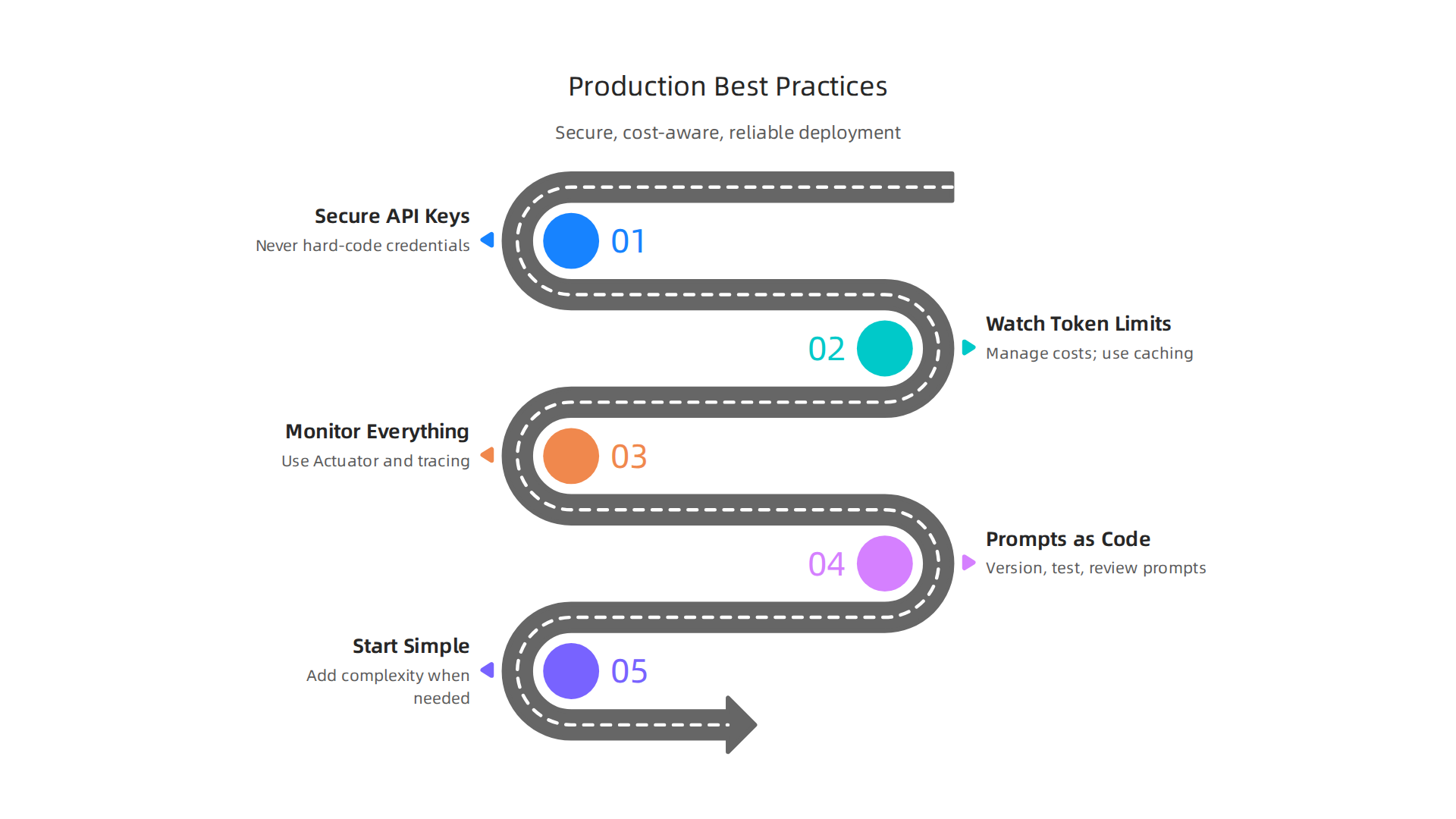
The framework handles a lot of complexity, but you still need to follow some best practices to avoid surprises.
Secure your API keys first. Never hard-code credentials in your codebase. Someone will accidentally push them to a public repo. Instead, use environment variables or a secrets manager like AWS Secrets Manager or HashiCorp Vault. This simple step keeps your accounts safe. If you want to understand more about the broader security landscape, check out this overview of the real dangers of AI in 2026.
Watch your token limits and costs. Every AI call costs money. A small experiment can turn into a big bill fast. The solution is to use intelligent caching. Cache common responses so you do not ask the model the same question twice. Also set up fallback providers. If one model is down or too expensive, switch to a cheaper backup. This keeps your app running and your budget under control. The official Spring AI documentation on agentic patterns suggests breaking complex tasks into smaller steps, which can also help manage costs by being more efficient.
Monitor everything with Spring Actuator and distributed tracing. You cannot fix what you cannot see. Spring Actuator gives you health checks, metrics, and endpoints out of the box. Add distributed tracing with OpenTelemetry to follow a single request through multiple AI calls. This helps you spot slow prompts, failed tool calls, or unexpected costs. For a deeper dive on building production-ready apps, the article on Spring AI building production-ready applications covers real-world monitoring strategies.
Treat prompts like code. Version them, test them, and review changes just like you would with any other piece of code. A small prompt change can break your app. Keep prompts in templates or configuration files, not hard-coded in Java classes.
Start simple and add complexity only when needed. You do not need a full RAG pipeline on day one. Build a basic flow, test it with real users, then layer on vector search, tool calling, or multi-agent patterns. This approach saves time and reduces risk.
By following these practices, you can run Spring AI in production with confidence. The framework is powerful, but good habits make it reliable.
Summary
Spring AI is an open-source framework that brings a unified, Spring-native approach to integrating large language models and other AI services into Java applications. This article explains why the framework matters in 2026, summarizes its core features (chat clients, prompt templating, output parsing, embeddings and vector-store support), and shows how to set it up via Spring Initializr or by adding the starter dependency and configuring API keys. You’ll learn the main components (Model, Prompt, OutputParser, ChatClient), how to connect to providers like OpenAI, Anthropic, Google, and local models, and how to implement advanced use cases such as agents, tool calling, and retrieval-augmented generation. The guide also compares Spring AI to LangChain and Haystack for teams that must choose an ecosystem, and offers production best practices covering security, cost control, monitoring, and prompt management so you can deploy reliable, maintainable AI features in Spring Boot apps.